IT tips and guides
Plain-English help for running your business technology, from the Insation team.
-

October 27, 2026
How to Use Rules to Automate Mail Handling in Outlook
Rules in Outlook enable you to automatically perform specific actions on incoming or outgoing emails based on certain criteria. For example, you can automatically move emails from specific senders to designated folders, flag important messages, or forward emails to another address. This automation h...
Read -

October 20, 2026
Understanding the Blue Screen of Death (BSOD): Causes, Symptoms, and Solutions
The Blue Screen of Death (BSOD), also known as a stop error, is one of the most dreaded experiences for Windows users. When your computer suddenly crashes, displays a blue screen with an error message, and halts operation, it can be confusing and frustrating. Understanding what causes the BSOD and h...
Read -
October 13, 2026
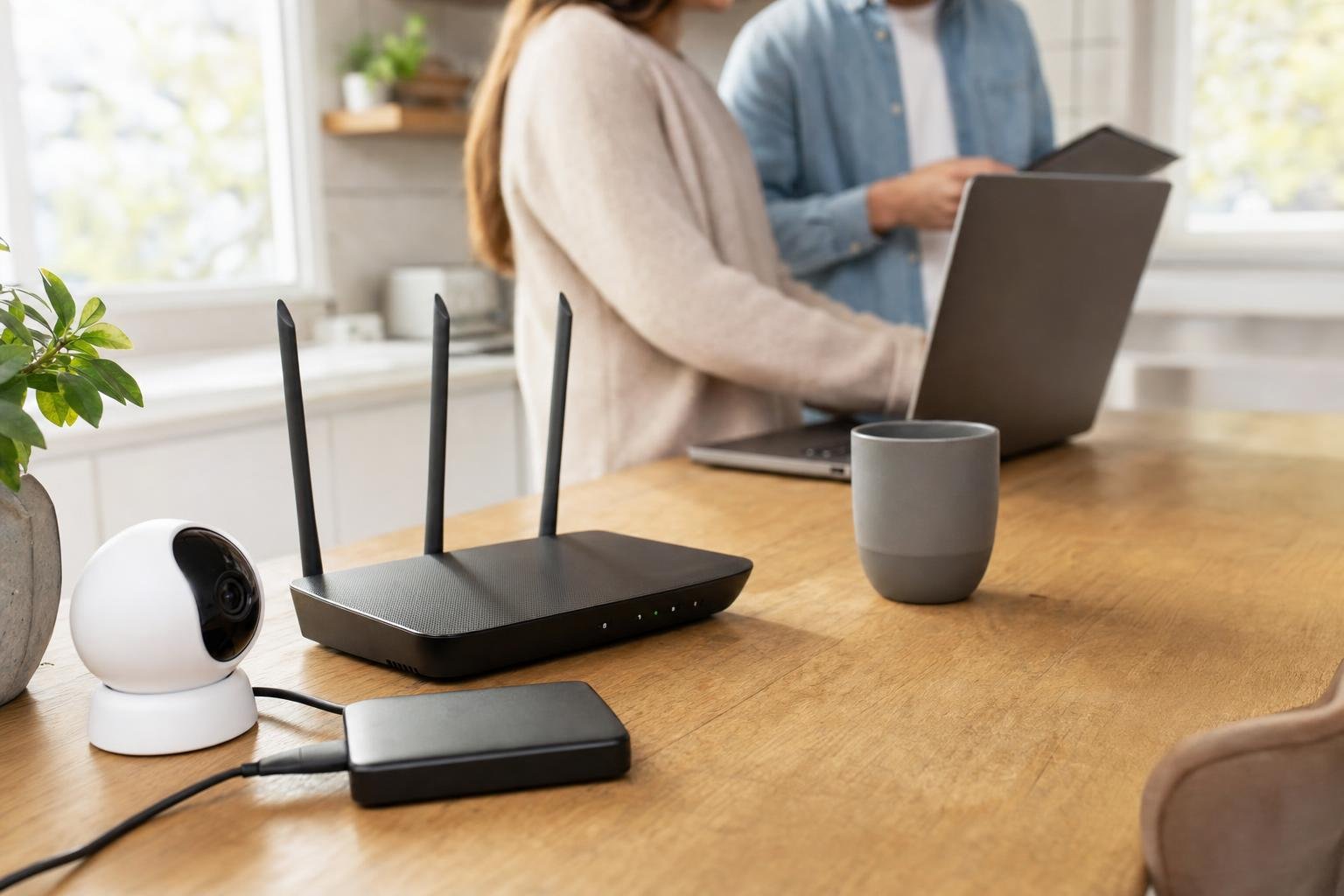
Security Practices Every Small Business Office Should Implement
Security is a critical concern for small business offices. Protecting sensitive data, customer information, and internal operations can prevent costly breaches and maintain trust. Here are the top security practices every small business should adopt: 1. Use Strong, Unique Passwords Ensure all accoun...
Read -

October 6, 2026
How to Back Up Your Photos, Documents, and Important Data
Here’s a simple guide on how to back up your important data effectively: 1. Use Cloud Storage Services Cloud storage allows you to store your files securely online, accessible from any device. Popular options include: Google Drive Dropbox OneDrive (Microsoft) iCloud (Apple) Tips: Set up automatic sy...
Read -

September 29, 2026
Optimizing Your Home Router Placement for Better Wi-Fi Signal
A strong, stable Wi-Fi connection is essential for seamless browsing, streaming, and working from home. However, many people overlook one of the most critical factors affecting Wi-Fi performance: the placement of the router. Here’s what you need to know to optimize your home Wi-Fi by strategically p...
Read -

September 22, 2026
Understanding Smishing: The Text Message Scam You Need to Know
One of the more insidious methods targeting unsuspecting individuals is known as smishing. But what exactly is smishing, and how can you protect yourself from it? What is Smishing? Smishing, a portmanteau of “SMS” (Short Message Service) and “phishing,” refers to a type of scam where cybercriminals...
Read -
September 15, 2026
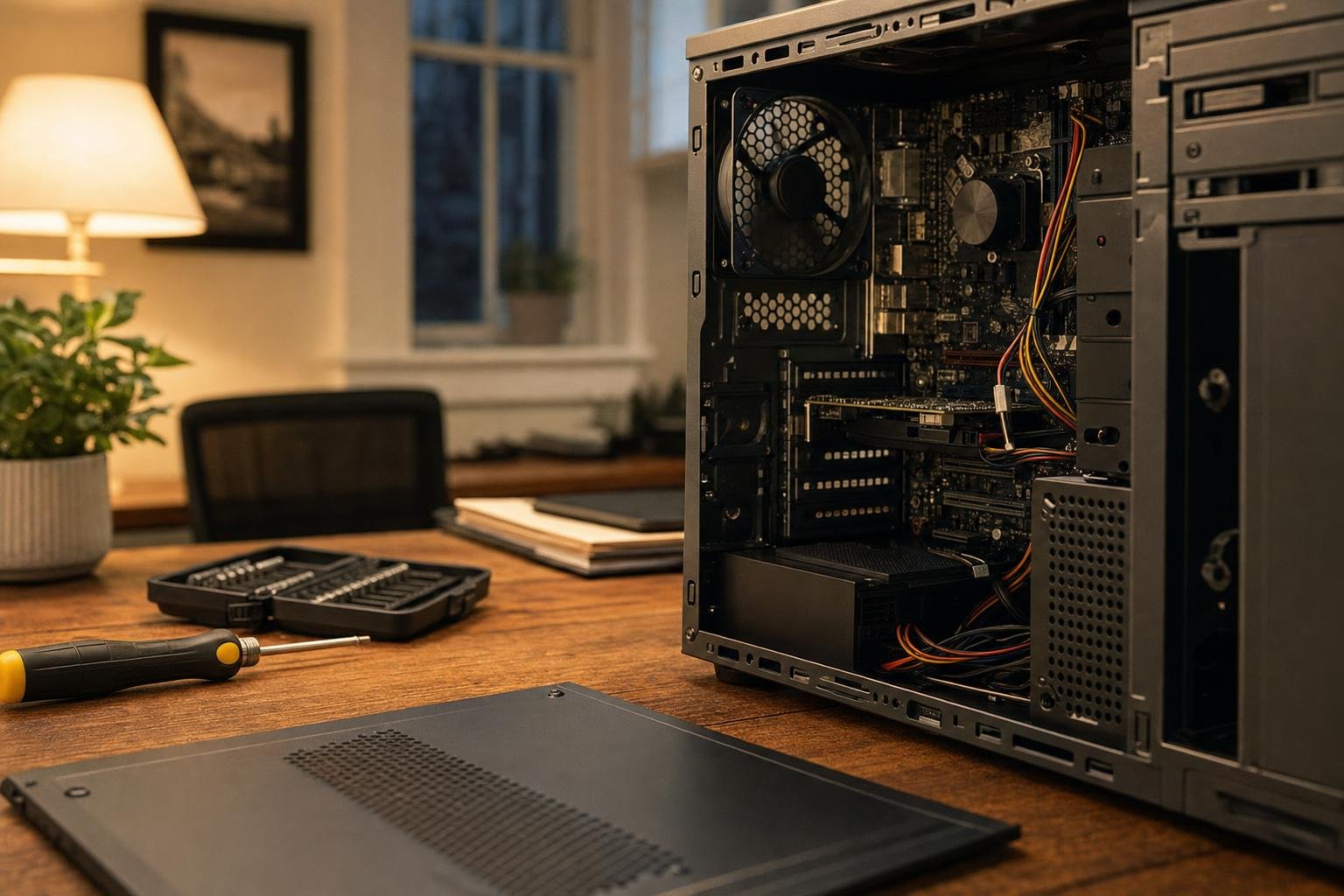
Why Regular IT Maintenance is Essential for Your Business
Businesses rely heavily on their IT infrastructure to operate efficiently and remain competitive. Just like regular maintenance is crucial for your vehicle or office space, your IT systems require consistent upkeep to ensure optimal performance and security. Here’s why regular IT maintenance is esse...
Read -

September 8, 2026
My computer has a blue screen that says Bitlocker recovery?
A blue screen indicating BitLocker recovery typically appears when your computer detects a potential security risk related to your system’s drive. BitLocker is a disk encryption feature in Windows that secures your data by encrypting the entire drive. Here are some common reasons why you might encou...
Read -
September 1, 2026
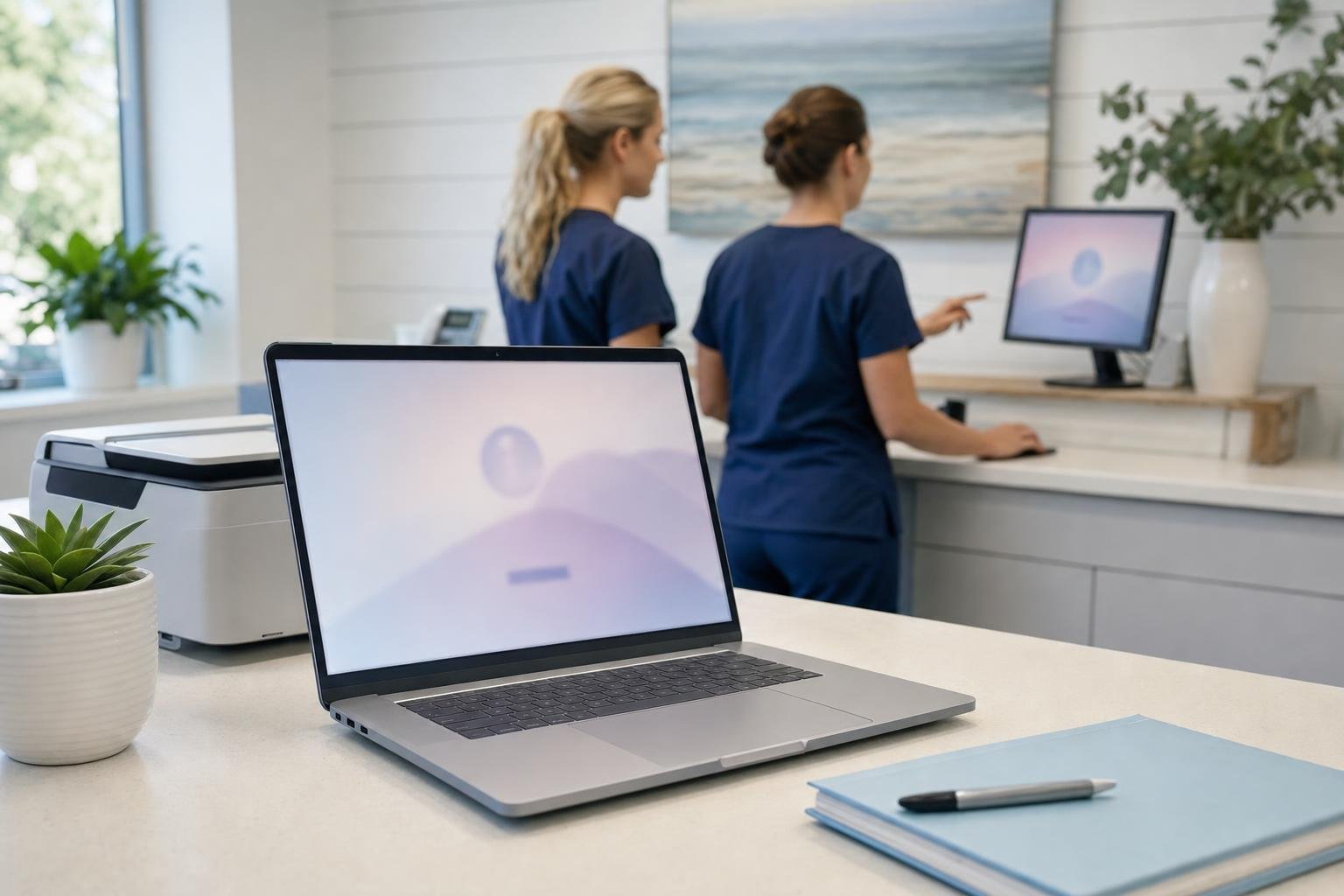
Employee Training: The Key to Effective IT Security
In the digital age, where cyber threats are on the rise and data breaches can have catastrophic consequences, effective IT security is a top priority for businesses. However, many organizations overlook a critical component of their security strategy: employee training. Employees are often the first...
Read -

August 25, 2026
Troubleshooting Common Issues in Microsoft Office
Troubleshooting issues in Microsoft Office can help you resolve common problems and enhance your productivity. Here are some frequent issues and their solutions: 1. Office Applications Won’t Start Solution: Restart your computer and try launching the application again. Run the Office Repair tool by...
Read -
August 18, 2026
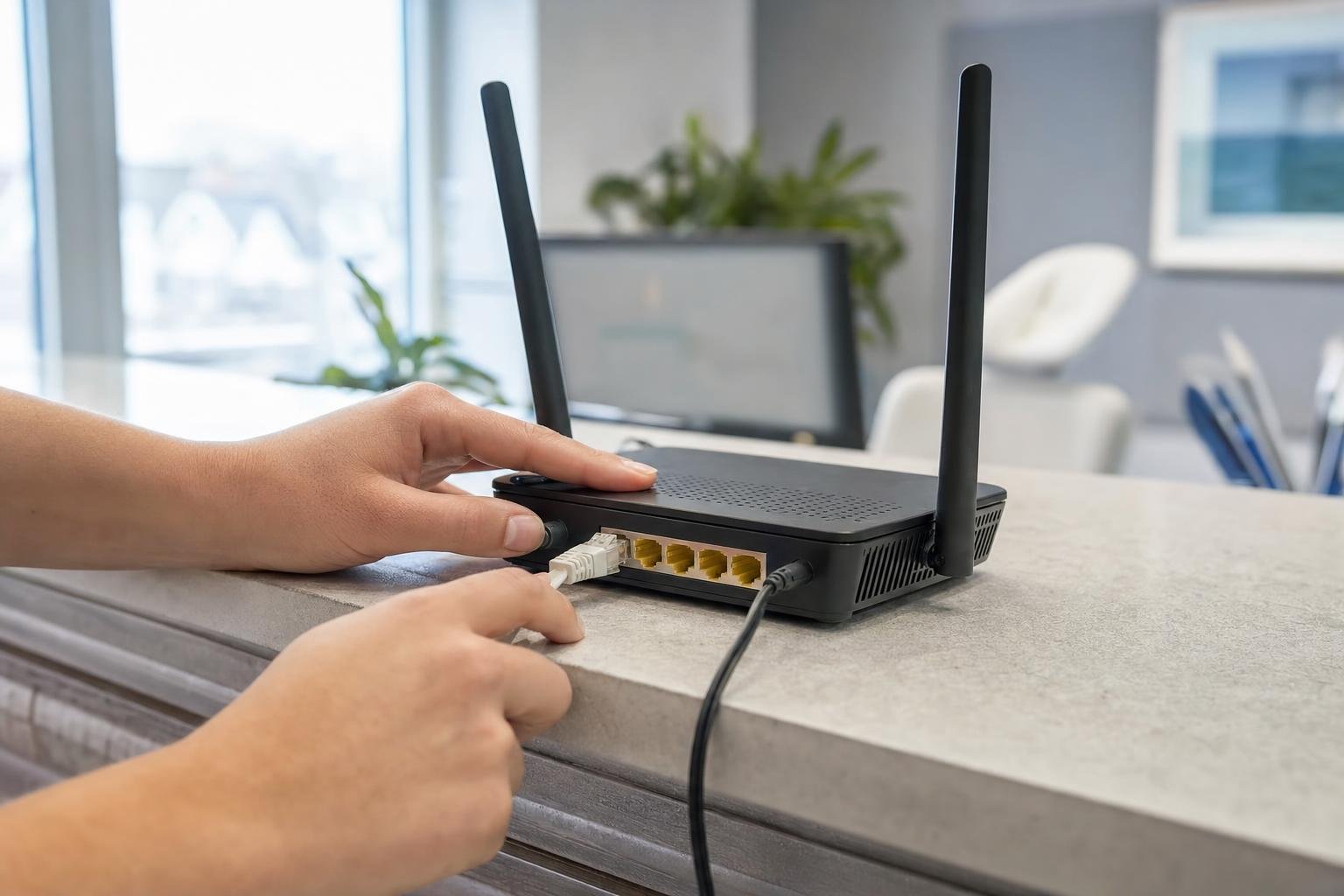
How do I know if my router needs an update or patch
To determine if your router needs an update or patch, you can follow these steps: Check the Current Firmware Version: Log in to your router’s web interface. You can usually do this by entering the router’s IP address into your web browser (commonly http://192.168.1.1 or http://192.168.0.1). Enter yo...
Read -

August 11, 2026
What are signs of phishing attempts
Phishing attempts can take various forms, but there are common signs to watch out for that can help you identify them. Here are key indicators of phishing: Suspicious Sender Email Address: The sender’s email may look legitimate at first glance, but often it will have slight misspellings or use a fre...
Read